The best Linux distros for privacy and security make it simpler and easier to secure your computer against cybersecurity threats, from malware to hacker intrusion.
Best Linux distro for privacy and security
Click the links below to go to the provider's website:
Additionally, privacy and security have become increasing concerns for internet users, not least with increased government monitoring and corporate collection of user data, and a long string of well-publicized hack attacked in which this user data has been stolen and mis-used.
While Windows and macOS computers have some protections in place, and there are additional options such as using a VPN or Tor browser, a number of Linux distros are now available that put privacy and security at their core.
For some of these Linux distros it's a case of building in privacy protection by default using a variety of tools. For others, it's a matter of including security software as standard for those who need to do penetration testing.
Each of these distros has a different focus on privacy and/or security according to user interests and needs. The distros in this guide have all been crafted specifically to equip you with the means to defend your privacy and ensure you stay secure while browsing the internet.
Here therefore we'll list the best Linux distros for privacy and security for you to consider.
Linux Administration Bootcamp: Go from Beginner to Advanced, $12.99/£11.99 at Udemy Learn the ropes of two of the most popular Linux distributions in the world, Red Hat Linux & CentOS, and use the in-demand skills to start a career as a Linux Server Admin or Linux Administrator. The course is presented by Jason Cannon, the author of Linux for beginners, and includes around 500 minutes of in-demand video and four downloadable resources.
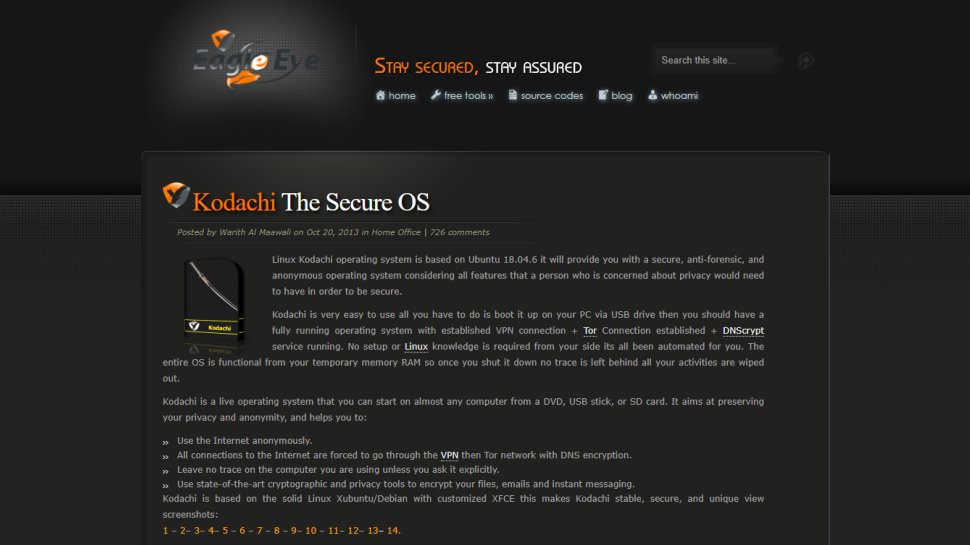
Linux Kodachi uses a customized Xfce desktop and aims to give users access to a wide variety of security and privacy tools while still being intuitive. The distro is loaded to the brim with apps that cater to all kinds of users. Kodachi includes all the apps you’ll find on a regular desktop distribution and then some.
To ensure privacy, Kodachi very uniquely routes all your connections to the Internet through a VPN before passing them to the Tor network. Advanced users can also connect via their own VPN.
Kodachi also takes many steps to bolster security. The distro uses AppArmor for application isolation. It also includes an entire suite of privacy-protection tools including VeraCrypt, zuluCrypt, KeePassXC, Metadata Anonymization Toolkit (MAT) for zapping metadata information from files, and more.
The distro also bundles a collection of tools to easily change identifying information such as the Tor exit country. Additionally, the distro encrypts the connection to the DNS resolver and includes well-known cryptographic and privacy tools to encrypt offline files, emails and instant messaging.
The Panic Room entry includes various privacy tools including a tool to wipe RAM, and an option to create a password that when entered will securely erase all contents of your encrypted Kodachi installation.
(Image credit: Qubes OS)
2. Qubes OS
An extremely secure distro, with an innovative user experience
Security by isolation
Radically different yet usable
Well documented
Qubes has established itself as arguably the most popular security-centric distro. It works on the principle of Security by Isolation and makes intelligent use of virtualization to ensure that malicious software doesn’t infect other parts of the installation.
Qubes uniquely isolates several essential elements of the operating system inside different virtual machines, called qubes. An individual instance of an app is restricted within its own qube. Thanks to this arrangement you can run Firefox in one qube to visit untrusted websites and another instance of the browser in a different qube to transact online. A malware ridden website in the untrusted qube will not affect the banking session.
Thanks to its radically different approach, Qubes does have a learning curve. However it isn’t abrupt enough to prevent you from using the distro like a normal Linux installation. Qubes is based on Fedora and uses the Xfce desktop environment. But instead of a list of apps, its application menu lists several qubes such as work, personal, untrusted, each of which rolls the individual apps inside them.
(Image credit: Septor)
3. Septor
Routes all traffic over Tor
Routes all traffic through Tor
Several privacy tools
Relatively new support infrastructure
Septor is produced by the Serbian Linux project, which also produces a general purpose Linux distro for Serbian language speakers. Based on Debian’s Testing branch, Septor uses the KDE desktop environment and is one of the newest distros in this guide that’s only had a handful of releases.
To earn its privacy credentials the distro routes all Internet-bound traffic through the Tor anonymous network. Earlier, the distro used a launcher script to fetch the latest Tor release from the Internet, but now bundles it by default.
In addition to the Tor browser, the distro also includes a couple of tools that are designed for use over the Tor network. There’s the anonymous file-sharing program called OnionShare and the Ricochet instant messaging client.
Besides the Tor tools, the distro also has a few other privacy and security enhancing programs such as the Sweeper utility to clear the cache and temporary files, VeraCrypt encryption software and the Metadata Anonymisation Toolkit (MAT).
(Image credit: Tails)
4. Tails
The official distro of the Tor project
Anonymizes connections using Tor
Can be used from an encrypted USB
Firefox equipped with privacy plugins
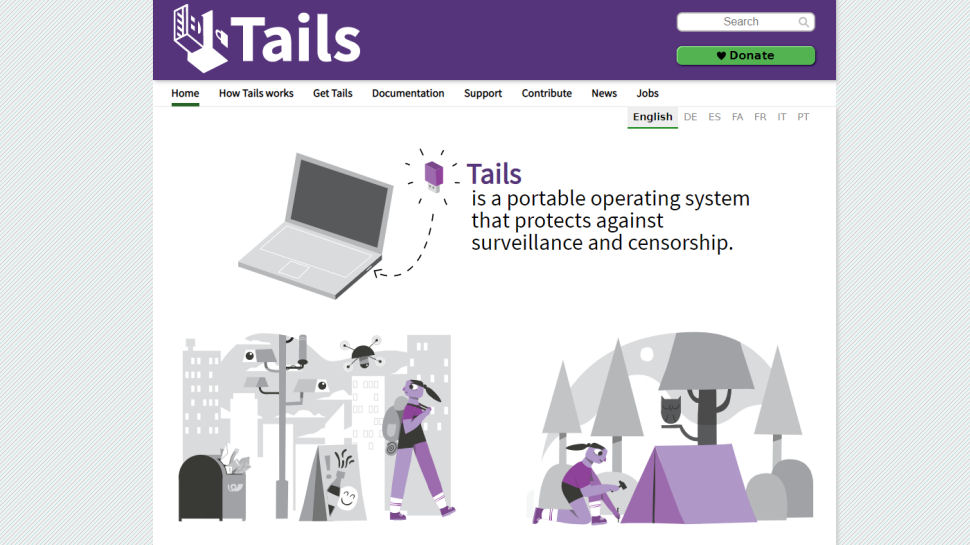
Tails (which stands for ‘The Amnesiac Incognito Live System’) is probably the most well-known privacy-focused distro. It can be run from a DVD in Live mode whereby it loads entirely into your system RAM and will leave no trace of its activity. The OS can also be used in ‘persistent’ mode where your settings can be stored on an encrypted USB stick.
All connections are routed through the anonymity network Tor, which conceals your location. The applications in Tails have also been carefully selected to enhance your privacy – for example, there’s the KeePassX password manager and Paperkey, a command line tool used to export OpenPGP secret keys to print on paper. There are also a small number of productivity apps such as Mozilla Thunderbird and the powerful LibreOffice suite.
The distro ships with a number of desktop applications such as LibreOffice, GIMP, Pidgin, Inkscape, Audacity and Thunderbird. You can also utilize the Synaptic Package Manager to flesh out the Gnome-powered distro. Any packages you choose to install aren’t made available at subsequent reboots, unless you configure persistent storage.
(Image credit: Whonix)
5. Whonix
Harness the power of virtual machines to stay safe online
Connections routed via the anonymous Tor network
Many privacy-specific apps preinstalled
VM performance isn’t as fast as local installation
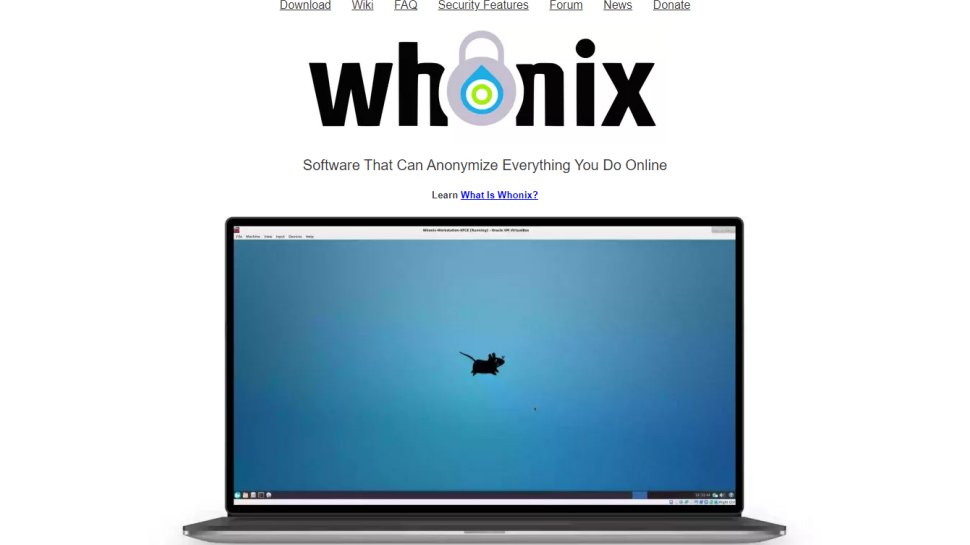
Booting a Live operating system is a nuisance as you have to restart your machine, while installing it to a hard drive means there’s a risk of it being compromised. Whonix offers an elegant compromise by being designed to work as a virtual machine inside the free program Virtualbox.
Whonix is split into two parts. The first ‘Gateway’ routes all connections to the Tor network for the second ‘Workstation’ part. This hugely reduces the chance of DNS leaks which can be used to monitor what websites you visit.
The OS has a number of privacy-conscious features. These include bundled apps such as the Tor Browser and Tox instant messenger.
As it runs in a virtual machine, Whonix is compatible with all operating systems that can run Virtualbox. Virtual machines can only use a portion of your real system's resources, so Whonix will not necessarily perform as fast as an OS that has been installed to a local hard drive.
The news from the cinema industry across the country is many new movies have decided to wait out and release in theatres as many of have started to allow patrons, albeit in moderate numbers. And also the festival season peaks next week.
Considering all that, the new releases on Indian OTT platforms this week are a bit low key. But that is not to say they are uninteresting. We are particularly kicked up about Aamis, an Assamese movie --- and this is the first Assamese production that is making it to our weekly recommendation list.
Includes unlimited free fast delivery, Prime Music and more!
In our picks, there's the Amitabh Bachchan starrer Chehre, the intriguing web series on esports (yes, you read it right) Clutch, the Tamil film Lift and the series on the Indian tennis duo of Leander Paes and Mahesh Bhupathi, Break Point.
Synopsis: Set in the world of gaming, Clutch captures the essence of passionate gamers and the ups and downs they face in wanting to compete for eSports tournaments. It is a story of a man, who left professional gaming to follow a stable career path, but returns to his first love, gaming, by setting up a team to compete in a major eSports tournament, and takes them to great heights. In that sense, it is a typical sports redemption story. But the backdrop is interesting and unique.
Actress Ahsaas Channa said, “Gaming has been my love and of course, when the opportunity came, I had to grab it. Clutch is a project very close to my heart, given that it will show the world the unspoken excitement, and fun we gamers have in eSports. The team has done a fantastic job and cannot wait to share this with the audience.”
The first episode of Clutch releases October 1 with a new episode every week on Dice Media’s Youtube and Facebook channels.
Synopsis: The movie is believed to be unofficial adpatation of the 1956 German novel A Dangerous Game by Friedrich Dürrenmatt. Apparently, it had earlier been attempted in Kannada as Malle Nilluvavarege (2015). The movie had a theatrical release last month. It is a thriller that features four very old men living in an antique house in the middle of nowhere with a strong man who cannot speak and a maid who looks after their needs. All of them are experts in different departments of justice. And they have a mission - to punish ‘criminals’ through their trial as they believe that these ‘guests’ have been freed by the justice system.
It is an interesting premise, and with the legend Amitabh in it, there is an even more attraction to it.
Aamis
Quick Details
Director: Bhaskar Hazarika
Cast: Lima Das, Arghadeep Baruah, Neetali Das, Sagar Saurabh, Manash K Das
Language: Assamese
Platform: SonyLIV
Release date: Oct 1, 2021.
Synopsis: As we said, this is the first Assamese movie to feature in these columns. But it comes with solid reputation. It had its world premiere at the Tribeca Film Festival where it was nominated in five categories in the festival's "International Narrative" section. It was also screened at Jio MAMI Mumbai Film Festival in 2019, Indian Film Festival of Los Angeles and the San Francisco International South Asian Film Festival in 2019.
It is a story of obsessive love that leads to chaos and complications.
The tale is about a woman paediatrician, who is trapped in a loveless marriage and the mundane tasks of domesticity. Her joyless existence transforms with the entry of a young student who is researching food habits and the use of various kinds of meats in the cuisine of the Northeastern part of the country. But the twist in the plot is about when this meat fetish crosses a threshold.
Break Point
Quick Details
Director: Ashwini Iyer Tiwari and Nitesh Tiwari
Cast: Leander Paes, Mahesh Bhupathi
Language: English
Platform: Zee5
Release date: Oct 1, 2021.
Synopsis: For decades, Indians have celebrated the country’s biggest tennis heroes who made India proud by winning many iconic matches and have also speculated about their much public split. However, for the first time, the speculation will be put to rest as Leander Paes and Mahesh Bhupathi get candid and honest about their bromance and breakup and tell the world – what happened, how it happened and why it happened. Break Point, the 7-episode series, will not only construct their epic tennis matches but also deconstruct their relationship, both on and off the court.
It is a telling narrative on their friendship, brotherhood, partnership, belief, hard work and ambitions which made them one of the most feared doubles pair during the late 1990s, and ranked world number 1 in the year 1999. But it also throws light on their bitter breakup and how they couldn’t hold on to their meteoric rise. At core, it’s a tale of two friends who had planned for success.
Lift
Quick Details
Director: Vineeth Varaprasad
Cast: Kavin Raj, Amritha Aiyer
Language: Tamil
Platform: Disney+ Hotstar
Release date: October 1, 2021.
Synopsis: The film's release had been delayed because of the pandemic. And now the producers have chosen to release it on OTT directly. It is a horror thriller with the makers equating it to the levels of Evil Dead, which is a well-known film in the genre. Maybe a tall a claim. The premise of the film is interesting. It is about two person getting trapped in a lift. The makers of Lift claim it to be the Evil Dead of Tamil cinema. Kavin, the hero of the film, was a Bigg Boss Tamil contestant. A song from the film, Inna Mylu, sung by actor Sivakarthikeyan has already clocked in over 30 million views on YouTube.
There also other movies like Shiddat, Friendship, and Orey Bammardi releasing this week. So, have entertainment-filled weekend.
If you regularly use Lightroom to polish your photos, you'll likely have been equal parts impressed and frustrated by its editing tools – but Adobe is promising to make selective tweaking a lot easier with a big update that's coming soon.
From October 26th, Lightroom will be getting some long overdue masking tools that will bring some of the AI-powered tricks we've recently seen added to Photoshop (like Sky Replacement) to its popular photo editor and organizer. These upgrades will come to Lightroom, Lightroom Classic and Adobe Camera Raw.
The changes promise to make choosing specific parts of your photo – like a person, or the sky – a one-click affair, which should make it far easier to, for example, fix overexposed parts of a photo or make more granular tweaks.
The new changes will be found in the panel below Lightroom's histogram. Instead of the brush and gradient buttons, there will be a new 'masking' button – this contains all of Lightroom's masking options, including the new 'select subject' and 'select sky' options.
What's particularly interesting about Lightroom's new approach, which Adobe says is the biggest upgrade to its selective enhancements since Lightroom 2 in 2008, is that you can effectively layer extra masks on top of ones you've chosen. This isn't a full Photoshop-style layers approach, but it's a welcome taste of it.
The example given by Adobe below shows how quickly it now is to choose the background (by inverting the 'select subject' mask), then remove the sky from that selection. This means you can quickly adjust the exposure, shadows and contrast in the ground and background, without affecting other parts of the image.
While this may sound like a relatively minor boost to Lightroom's editing options, Adobe says it involved overhauling the program's image processing engine over a year-and-a-half. This process has apparently meant that Adobe has "some fun new tech brewing" that it'll be releasing sometime next year. For now, though, its new tools will help it keep pace with its more nimble rivals like Luminar and Affinity Photo.
Analysis: Welcome tools for speedier photo edits
For a long time, Lightroom has lacked the traditional masking tools that we've seen in Photoshop. Instead, photographers have tended to use a combination of local adjustment tools and range masks to choose particular parts of a photo to edit.
The previous existence of those tools mean that Lightroom's new features will feel more like an added convenience than a revolution to keen users of the program.
For example, Lightroom's 'auto mask' tool has been on hand to help you choose particular parts of a photo, while the very useful luminance range mask is a popular way to choose specific areas to adjust based on a defined level of brightness.
But there's no doubt that the one-click selection of subjects and the sky, if they do indeed work as flawlessly as Adobe's demo, will help speed up many photographers' editing workflows.
Even better, Adobe has said that many users have requested that the Lightroom experience is consistent across desktop and the mobile app, which has apparently meant that the "AI-powered tools work on mobile devices equally as well as on desktop". This includes the color range masks that were previously only available on the desktop app.
We're looking forward to taking all of the new tools for a spin from October 26th to see if Lightroom can move up the pecking order of our guide to the best photo editing apps.
While the best speech to text software used to be specifically only for desktops, the development of mobile devices and the explosion of easily accessible apps means that transcription can now also be carried out on a smartphone or tablet.
This has made the best voice to text applications increasingly valuable to users in a range of different environments, from education to business. This is not least because the technology has matured to the level where mistakes in transcriptions are relatively rare, with some services rightly boasting a 99.9% success rate from clear audio.
Even still, this applies mainly to ordinary situations and circumstances, and precludes the use of technical terminology such as required in legal or medical professions. Despite this, digital transcription can still service needs such as basic note-taking which can still be easily done using a phone app, simplifying the dictation process.
However, different speech-to-text programs have different levels of ability and complexity, with some using advanced machine learning to constantly correct errors flagged up by users so that they are not repeated. Others are downloadable software which is only as good as its latest update.
Here then are the best in speech-to-text recognition programs, which should be more than capable for most situations and circumstances.
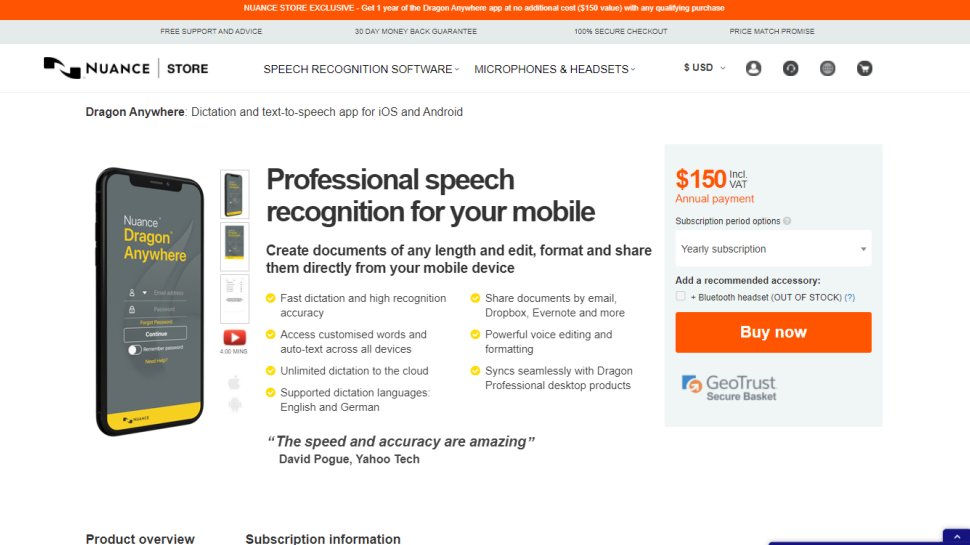
Dragon Anywhere is the Nuance mobile product for Android and iOS devices, however this is no ‘lite’ app, but rather offers fully-formed dictation capabilities powered via the cloud.
So essentially you get the same excellent speech recognition as seen on the desktop software – the only meaningful difference we noticed was a very slight delay in our spoken words appearing on the screen (doubtless due to processing in the cloud). However, note that the app was still responsive enough overall.
It also boasts support for boilerplate chunks of text which can be set up and inserted into a document with a simple command, and these, along with custom vocabularies, are synced across the mobile app and desktop Dragon software. Furthermore, you can share documents across devices via Evernote or cloud services (such as Dropbox).
This isn’t as flexible as the desktop application, however, as dictation is limited to within Dragon Anywhere – you can’t dictate directly in another app (although you can copy over text from the Dragon Anywhere dictation pad to a third-party app). The other caveats are the need for an internet connection for the app to work (due to its cloud-powered nature), and the fact that it’s a subscription offering with no one-off purchase option, which might not be to everyone’s tastes.
Even bearing in mind these limitations, though, it’s a definite boon to have fully-fledged, powerful voice recognition of the same sterling quality as the desktop software, nestling on your phone or tablet for when you’re away from the office.
Nuance Communications offers a 7-day free trial to give the app a try before you commit to a subscription.
(Image credit: Dragon)
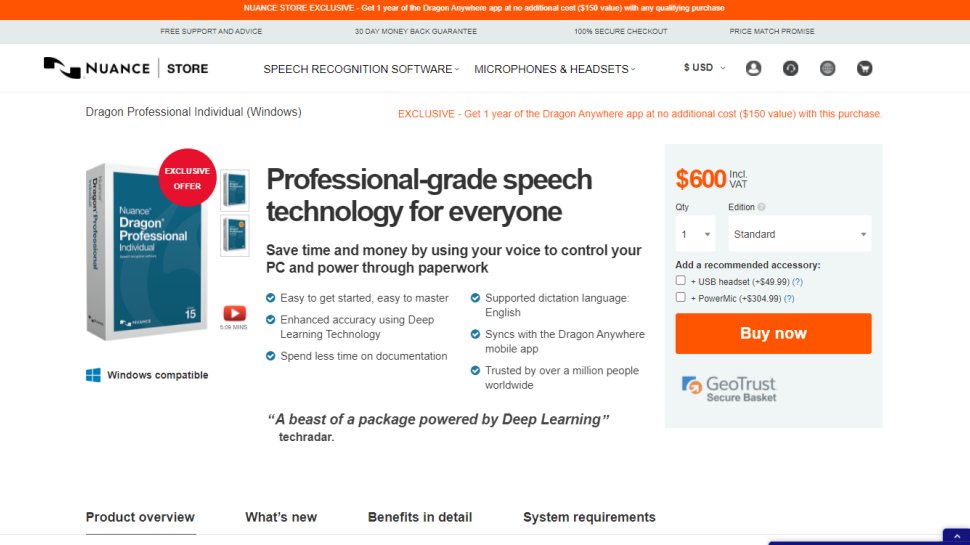
2. Dragon Professional
Business-grade speech-to-text solution
Powerful features
Designed for pros
160 wpm dictation
Should you be looking for a business-grade dictation application, your best bet is Dragon Professional. Aimed at pro users, the software provides you with the tools to dictate and edit documents, create spreadsheets, and browse the web using your voice.
According to Nuance, the solution is capable of taking dictation at an equivalent typing speed of 160 words per minute, with a 99% accuracy rate – and that’s out-of-the-box, before any training is done (whereby the app adapts to your voice and words you commonly use).
As well as creating documents using your voice, you can also import custom word lists. There’s also an additional mobile app that lets you transcribe audio files and send them back to your computer.
This is a powerful, flexible, and hugely useful tool that is especially good for individuals, such as professionals and freelancers, allowing for typing and document management to be done much more flexibly and easily.
Overall, the interface is easy to use, and if you get stuck at all, you can access a series of help tutorials. And while the software can seem expensive, it's just a one-time fee and compares very favorably with paid-for subscription transcription services.
(Image credit: Otter)
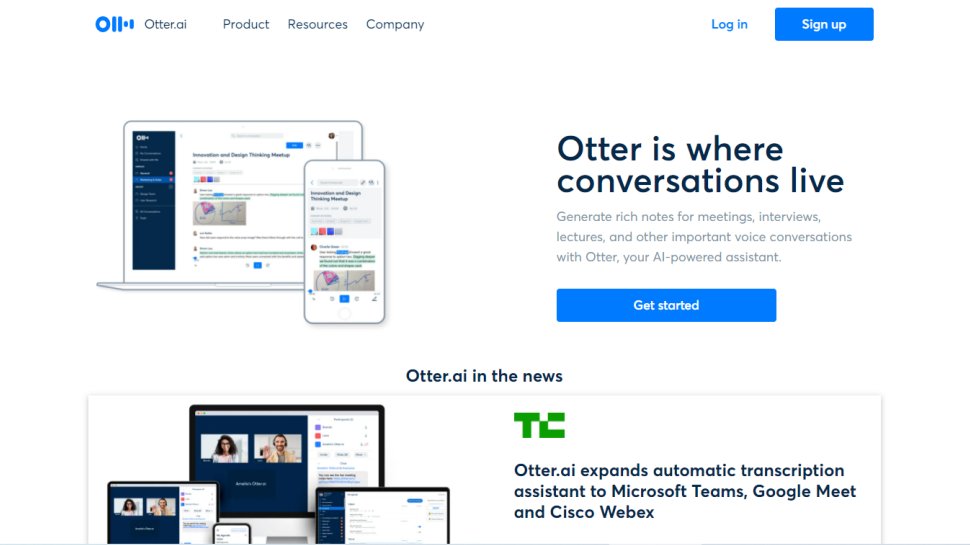
3. Otter
The big little speech to text app
Free tier
Team collaboration
Export options
Live captioning
Otter is a cloud-based speech to text program especially aimed for mobile use, such as on a laptop or smartphone. The app provides real-time transcription, allowing you to search, edit, play, and organize as required.
Otter is marketed as an app specifically for meetings, interviews, and lectures, to make it easier to take rich notes. However, it is also built to work with collaboration between teams, and different speakers are assigned different speaker IDs to make it easier to understand transcriptions.
There are three different payment plans, with the basic one being free to use and aside from the features mentioned above also includes keyword summaries and a wordcloud to make it easier to find specific topic mentions. You can also organize and share, import audio and video for transcription, and provides 600 minutes of free service.
The Premium plan also includes advanced and bulk export options, the ability to sync audio from Dropbox, additional playback speeds including the ability to skip silent pauses. The Premium plan also allows for up to 6,000 minutes of speech to text.
The Teams plan also adds two-factor authentication, user management and centralized billing, as well as user statistics, voiceprints, and live captioning.
(Image credit: Verbit)
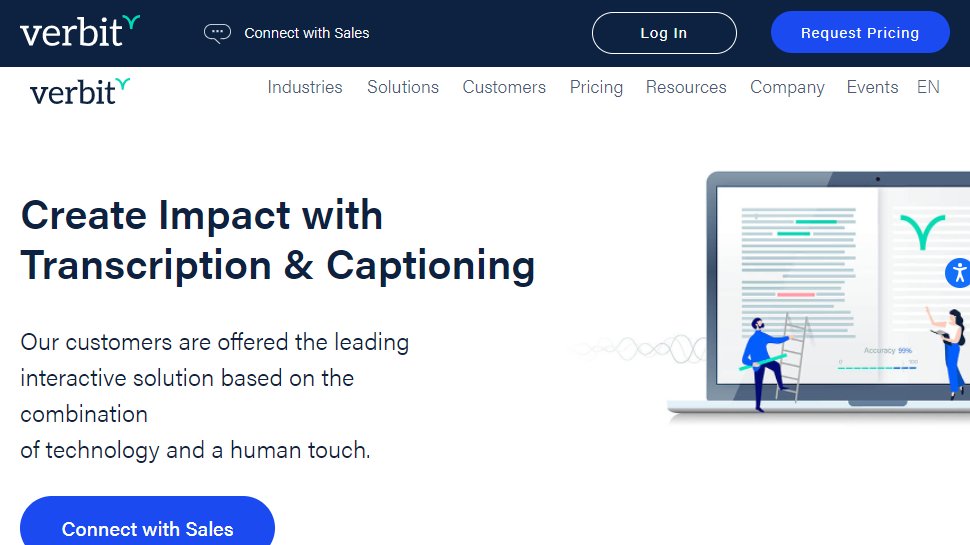
4. Verbit
The smart speech to text service
Enterprise service
Team working
Smart AI
Not always live
Verbit aims to offer a smarter speech to text service, using AI for transcription and captioning. The service is specifically targeted at enterprise and educational establishments.
Verbit uses a mix of speech models, using neural networks and algorithms to reduce background noise, focus on terms as well as differentiate between speakers regardless of accent, as well as incorporate contextual events such as news and company information into recordings.
Although Verbit does offer a live version for transcription and captioning, aiming for a high degree of accuracy, other plans offer human editors to ensure transcriptions are fully accurate, and advertise a four hour turnaround time.
Altogether, while Verbit does offer a direct speech to text service, it’s possibly better thought of as a transcription service, but the focus on enterprise and education, as well as team use, means it earns a place here as an option to consider.
(Image credit: Speechmatics)
5. Speechmatics
Leading speech recognition technology
Supports different accents
Media captioning
Keyword triggers
Speechmatics offers a machine learning solution to converting speech to text, with its automatic speech recognition solution available to use on existing audio and video files as well as for live use.
Unlike some automated transcription software which can struggle with accents or charge more for them, Speechmatics advertises itself as being able to support all major British accents, regardless of nationality. That way it aims to cope with not just different American and British English accents, but also South African and Jamaican accents.
Speechmatics offers a wider number of speech to text transcription uses than many other providers. Examples include taking call center phone recordings and converting them into searchable text or Word documents. The software also works with video and other media for captioning as well as using keyword triggers for management.
Overall, Speechmatics aims to offer a more flexible and comprehensive speech to text service than a lot of other providers, and the use of automation should keep them price competitive.
(Image credit: Braina)
6. Braina Pro
A virtual assistant for your PC
Powerful digital assistant
Nifty Android app for remotely controlling PC
Subscription only (no one-off purchase)
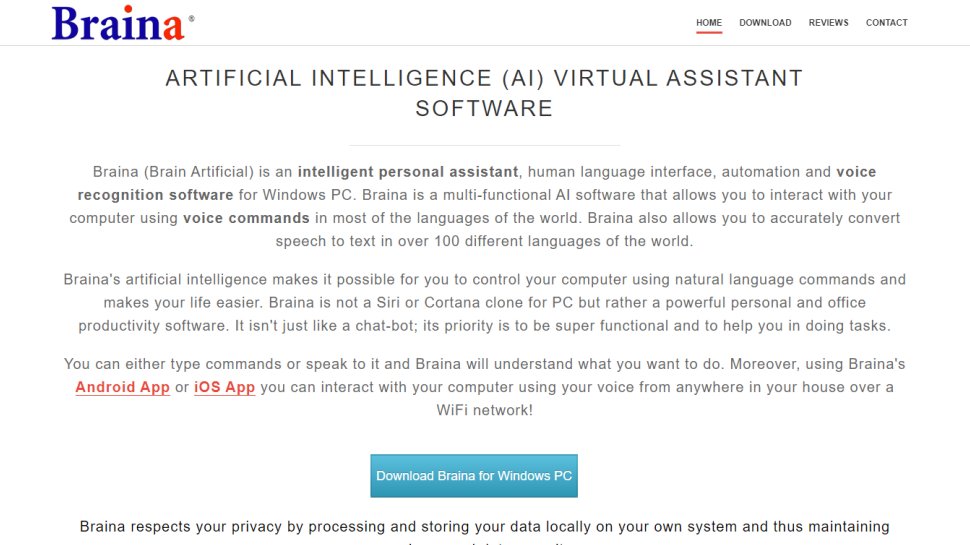
Braina Pro is speech recognition software which is built not just for dictation, but also as an all-round digital assistant to help you achieve various tasks on your PC. It supports dictation to third-party software in not just English but almost 90 different languages, with impressive voice recognition chops.
Beyond that, it’s a virtual assistant that can be instructed to set alarms, search your PC for a file, or search the internet, play an MP3 file, read an ebook aloud, plus you can implement various custom commands.
The Windows program also has a companion Android app which can remotely control your PC, and use the local Wi-Fi network to deliver commands to your computer, so you can spark up a music playlist, for example, wherever you happen to be in the house. Nifty.
There’s a free version of Braina which comes with limited functionality, but includes all the basic PC commands, along with a 7-day trial of the speech recognition which allows you to test out its powers for yourself before you commit to a subscription. Yes, this is another subscription-only product with no option to purchase for a one-off fee. Also note that you need to be online and have Google’s Chrome browser installed for speech recognition functionality to work.
(Image credit: Amazon)
7. Amazon Transcribe
Cloud-based speech to text technology
For enterprises
Vocabulary editing
Audio for apps
Recognizes speakers and channels
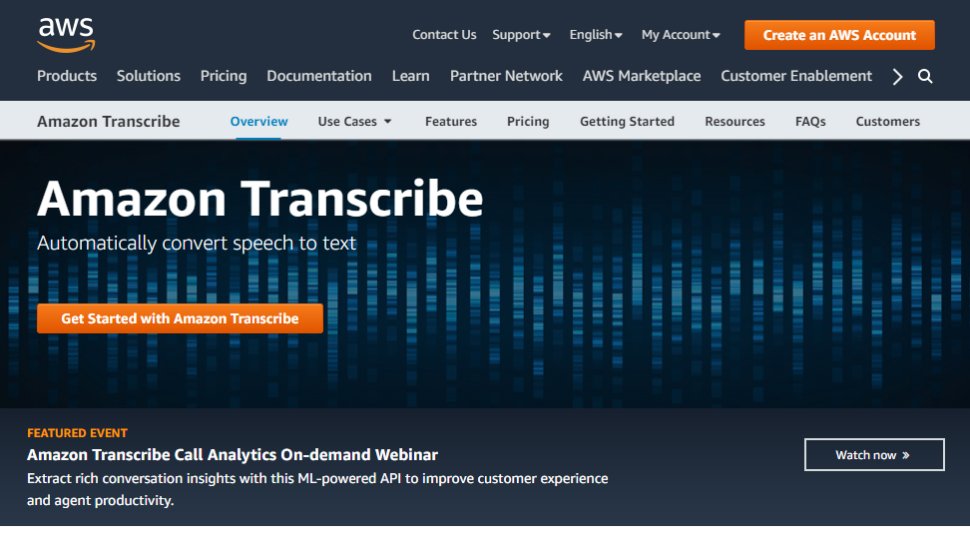
Amazon Transcribe is as big cloud-based automatic speech recognition platform developed specifically to convert audio to text for apps. It especially aims to provide a more accurate and comprehensive service than traditional providers, such as being able to cope with low-fi and noisy recordings, such as you might get in a contact center.
Amazon Transcribe uses a deep learning process that automatically adds punctuation and formatting, as well as process with a secure livestream or otherwise transcribe speech to text with batch processing.
As well as offering time stamping for individual words for easy search, it can also identify different speaks and different channels and annotate documents accordingly to account for this.
There are also some nice features for editing and managing transcribed texts, such as vocabulary filtering and replacement words which can be used to keep product names consistent and therefore any following transcription easier to analyze.
Overall, Amazon Transcribe is one of the most powerful platforms out there, though it’s aimed more for the business and enterprise user rather than the individual.
(Image credit: Microsoft)
8. Microsoft Azure Speech to Text
Part of the Azure platform's Cognitive Services
Real time transcription
Customization for proper nouns
Handles multiple speakers
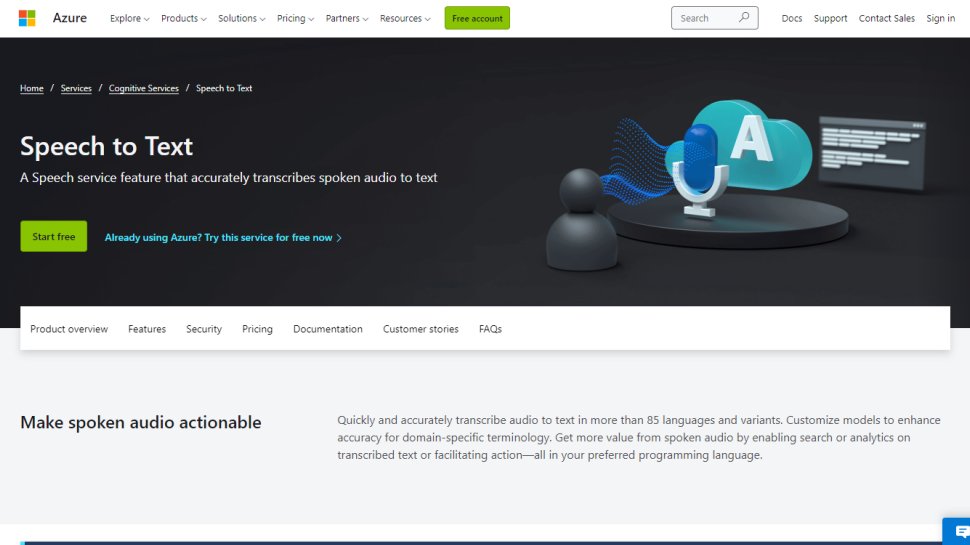
Microsoft's Azure cloud service offers advanced speech recognition as part of the platform's speech services to deliver the Microsoft Azure Speech to Text functionality.
This feature allows you to simply and easily create text from a variety of audio sources. There are also customization options available to work better with different speech patterns, registers, and even background sounds. You can also modify settings to handle different specialist vocabularies, such as product names, technical information, and place names.
The Microsoft's Azure Speech to Text feature is powered by deep neural network models and allows for real-time audio transcription that can be set up to handle multiple speakers.
As part of the Azure cloud service, you can run Azure Speech to Text in the cloud, on premises, or in edge computing. In terms of pricing, you can run the feature in a free container with a single concurrent request for up to 5 hours of free audio per month.
(Image credit: IBM)
9. IBM Watson Speech to Text
Machine learning
Batch conversions
Range of output options
Smart formatting
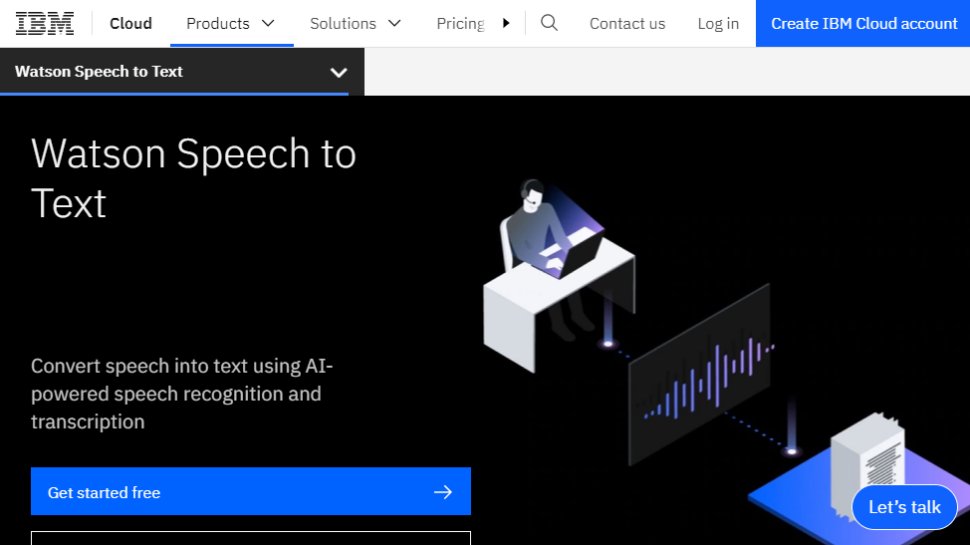
IBM's Watson Speech to Text works is the third cloud-native solution on this list, with the feature being powered by AI and machine learning as part of IBM's cloud services.
While there is the option to transcribe speech to text in real-time, there is also the option to batch convert audio files and process them through a range of language, audio frequency, and other output options.
You can also tag transcriptions with speaker labels, smart formatting, and timestamps, as well as apply global editing for technical words or phrases, acronyms, and for number use.
As with other cloud services Watson Speech to Text allows for easy deployment both in the cloud and on-premises behind your own firewall to ensure security is maintained.
Best free speech to text apps
(Image credit: Google)
1. Google Gboard
Easily accessible text to speech
Free
Easy to use
Additional features
No shortcut commands
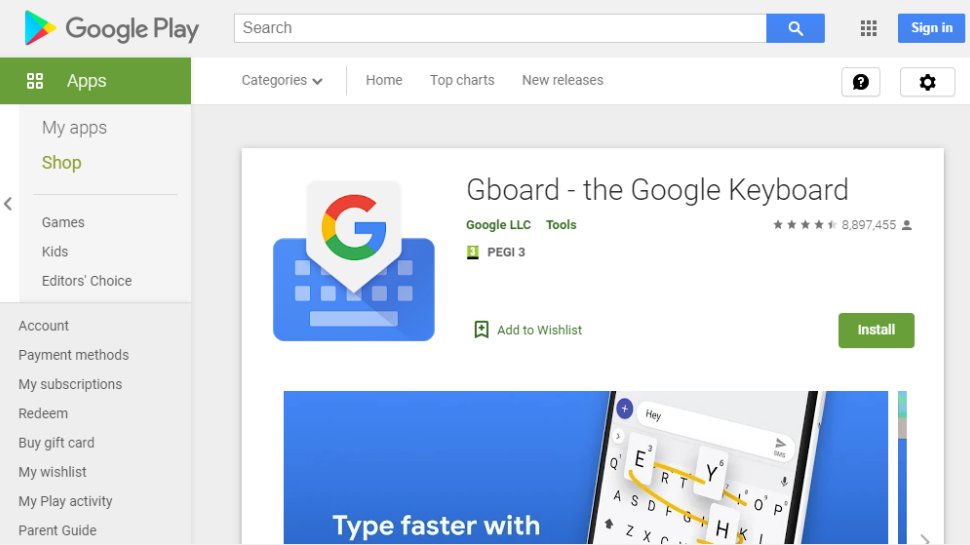
If you already have an Android mobile device, then if it's not already installed then download Google Keyboard from the Google Play store and you'll have an instant text-to-speech app. Although it's primarily designed as a keyboard for physical input, it also has a speech input option which is directly available. And because all the power of Google's hardware is behind it, it's a powerful and responsive tool.
If that's not enough then there are additional features. Aside from physical input ones such as swiping, you can also trigger images in your text using voice commands. Additionally, it can also work with Google Translate, and is advertised as providing support for over 60 languages.
Even though Google Keyboard isn't a dedicated transcription tool, as there are no shortcut commands or text editing directly integrated, it does everything you need from a basic transcription tool. And as it's a keyboard, it means should be able to work with any software you can run on your Android smartphone, so you can text edit, save, and export using that. Even better, it's free and there are no adverts to get in the way of you using it.
(Image credit: Just Press Record)
2. Just Press Record
A cloud-based transcription tool
Easy-to-use
Underpinned by the cloud
Multilingual
No Android app
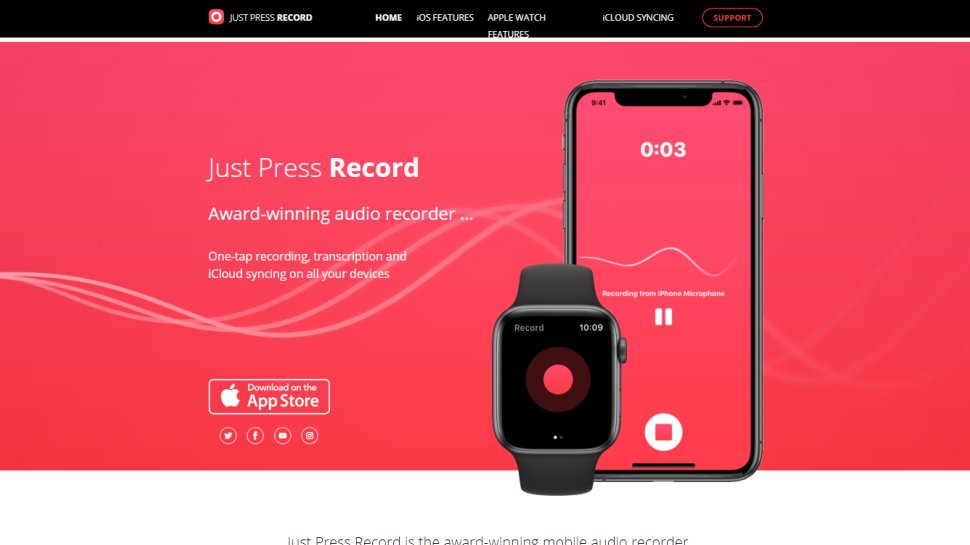
If you want a dedicated dictation app, it’s worth checking out Just Press Record. It’s a mobile audio recorder that comes with features such as one tap recording, transcription and iCloud syncing across devices. The great thing is that it’s aimed at pretty much anyone and is extremely easy to use.
When it comes to recording notes, all you have to do is press one button, and you get unlimited recording time. However, the really great thing about this app is that it also offers a powerful transcription service.
Through it, you can quickly and easily turn speech into searchable text. Once you’ve transcribed a file, you can then edit it from within the app. There’s support for more than 30 languages as well, making it the perfect app if you’re working abroad or with an international team. Another nice feature is punctuation command recognition, ensuring that your transcriptions are free from typos.
This app is underpinned by cloud technology, meaning you can access notes from any device (which is online). You’re able to share audio and text files to other iOS apps too, and when it comes to organizing them, you can view recordings in a comprehensive file.
(Image credit: Speechnotes)
3. Speechnotes
Powered by Google technology
Built-in Google voice recognition tech
Recognizes punctuation marks
Easy to use
No iOS app
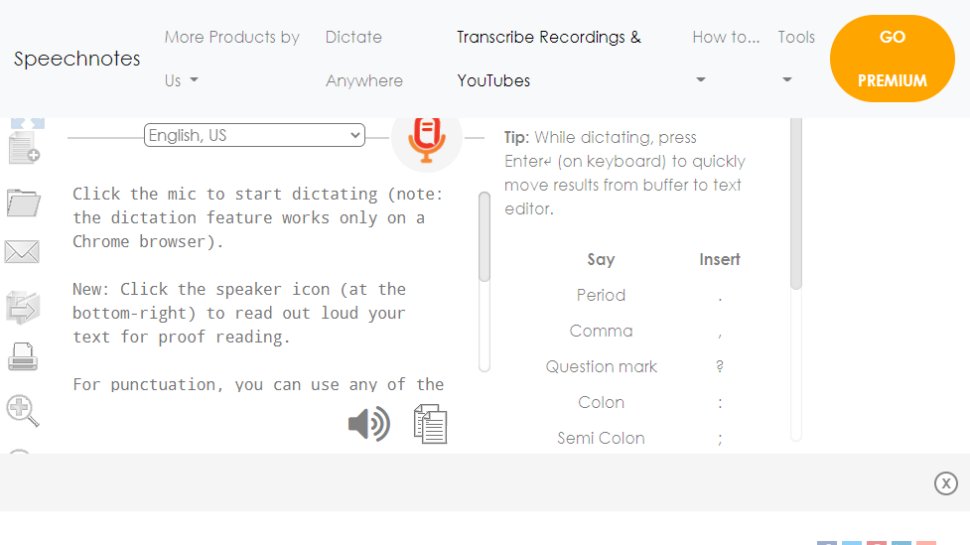
Speechnotes is yet another easy to use dictation app. A useful touch here is that you don’t need to create an account or anything like that; you just open up the app and press on the microphone icon, and you’re off.
The app is powered by Google voice recognition tech. When you’re recording a note, you can easily dictate punctuation marks through voice commands, or by using the built-in punctuation keyboard.
To make things even easier, you can quickly add names, signatures, greetings and other frequently used text by using a set of custom keys on the built-in keyboard. There’s automatic capitalization as well, and every change made to a note is saved to the cloud.
When it comes to customizing notes, you can access a plethora of fonts and text sizes. The app is free to download from the Google Play Store, but you can make in-app purchases to access premium features (there's also a browser version for Chrome).
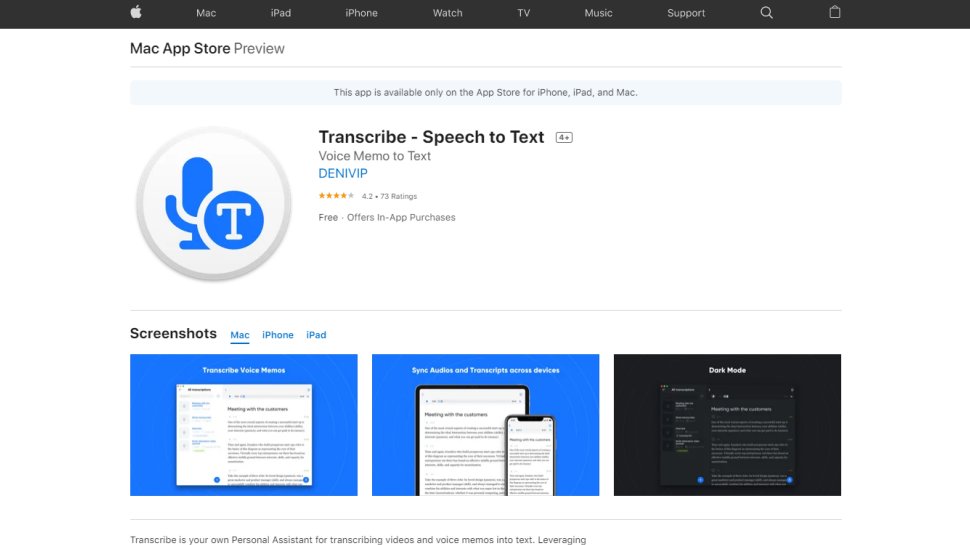
Marketed as a personal assistant for turning videos and voice memos into text files, Transcribe is a popular dictation app that’s powered by AI. It lets you make high quality transcriptions by just hitting a button.
The app can transcribe any video or voice memo automatically, while supporting over 80 languages from across the world. While you can easily create notes with Transcribe, you can also import files from services such as Dropbox.
Once you’ve transcribed a file, you can export the raw text to a word processor to edit. The app is free to download, but you’ll have to make an in-app purchase if you want to make the most of these features in the long-term. There is a trial available, but it’s basically just 15 minutes of free transcription time. Transcribe is only available on iOS, though.
(Image credit: Microsoft)
5. Windows 10 Speech Recognition
Microsoft’s desktop OS has fully integrated voice recognition
Fully integrated with Windows
No extra cost
Still doesn’t offer the best accuracy (however training helps)
If you don’t want to pay for speech recognition software, and you’re running Microsoft’s latest desktop OS, then you might be pleased to hear that Windows 10 actually has some very solid voice recognition abilities built right into the operating system.
Windows Speech Recognition, as it’s imaginatively named – and note that this is something different to Cortana, which offers basic commands and assistant capabilities – lets you not only execute commands via voice control, but also offers the ability to dictate into documents.
The sort of accuracy you get isn’t comparable with that offered by the likes of Dragon, but then again, you’re paying nothing to use it. It’s also possible to improve the accuracy by training the system by reading text, and giving it access to your documents to better learn your vocabulary. It’s definitely worth indulging in some training, particularly if you intend to use the voice recognition feature a fair bit.
This speech recognition capability is actually in previous versions of Windows as well, although Microsoft has honed it more with the latest OS. The company has been busy boasting about its advances in terms of voice recognition powered by deep neural networks, and Microsoft is certainly priming us to expect impressive things in the future. The likely end-goal aim is for Cortana to do everything eventually, from voice commands to taking dictation.
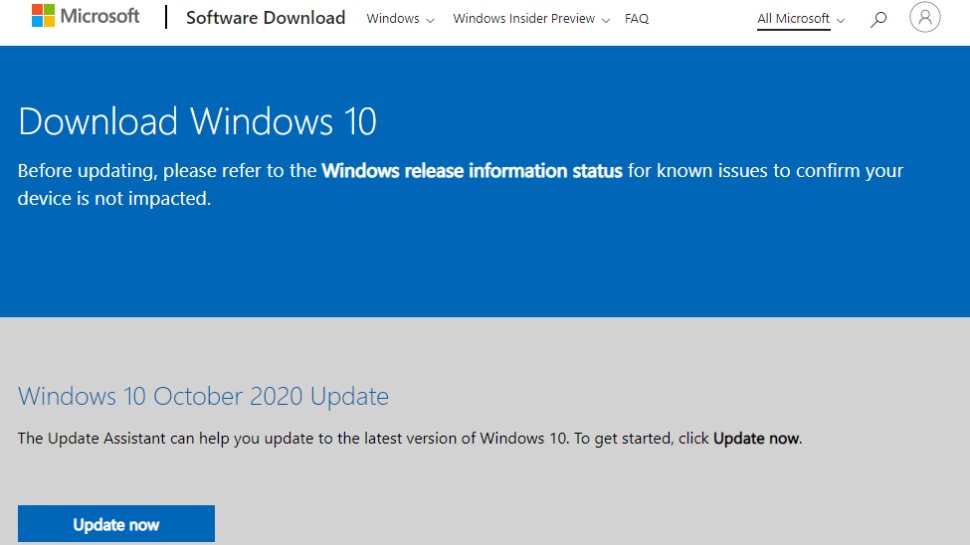
Turn on Windows Speech Recognition by heading to the Control Panel (search for it, or right click the Start button and select it), then click on Ease of Access, and you will see the option to ‘start speech recognition’ (you’ll also spot the option to set up a microphone here, if you haven’t already done that).
Mobile speech to text apps to consider
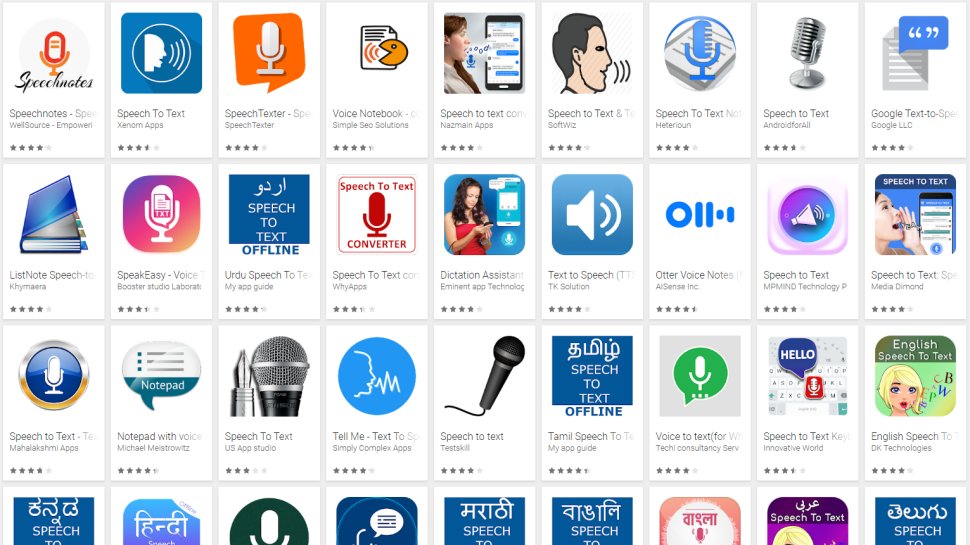
Aside from what has already been covered above, there are an increasing number of apps available across all mobile devices for working with speech to text, not least because Google's speech recognition technology is available for use.
iTranslate Translator is a speech-to-text app for iOS with a difference, in that it focuses on translating voice languages. Not only does it aim to translate different languages you hear into text for your own language, it also works to translate images such as photos you might take of signs in a foreign country and get a translation for them. In that way, iTranslate is a very different app, that takes the idea of speech-to-text in a novel direction, and by all accounts, does it well.
ListNote Speech-to-Text Notes is another speech-to-text app that uses Google's speech recognition software, but this time does a more comprehensive job of integrating it with a note-taking program than many other apps. The text notes you record are searchable, and you can import/export with other text applications. Additionally there is a password protection option, which encrypts notes after the first 20 characters so that the beginning of the notes are searchable by you. There's also an organizer feature for your notes, using category or assigned color. The app is free on Android, but includes ads.
Voice Notes is a simple app that aims to convert speech to text for making notes. This is refreshing, as it mixes Google's speech recognition technology with a simple note-taking app, so there are more features to play with here. You can categorize notes, set reminders, and import/export text accordingly.
SpeechTexter is another speech-to-text app that aims to do more than just record your voice to a text file. This app is built specifically to work with social media, so that rather than sending messages, emails, Tweets, and similar, you can record your voice directly to the social media sites and send. There are also a number of language packs you can download for offline working if you want to use more than just English, which is handy.
Other speech/text services
Also consider reading these related software and app guides:










Follow Us
Were this world an endless plain, and by sailing eastward we could for ever reach new distances